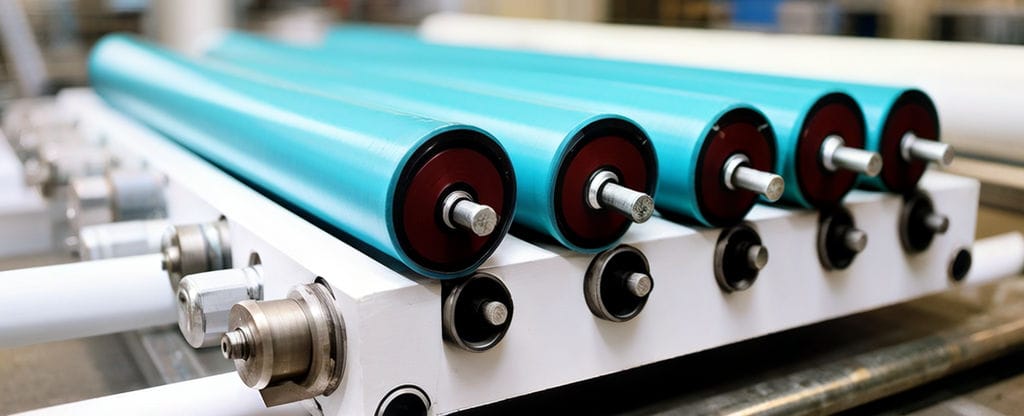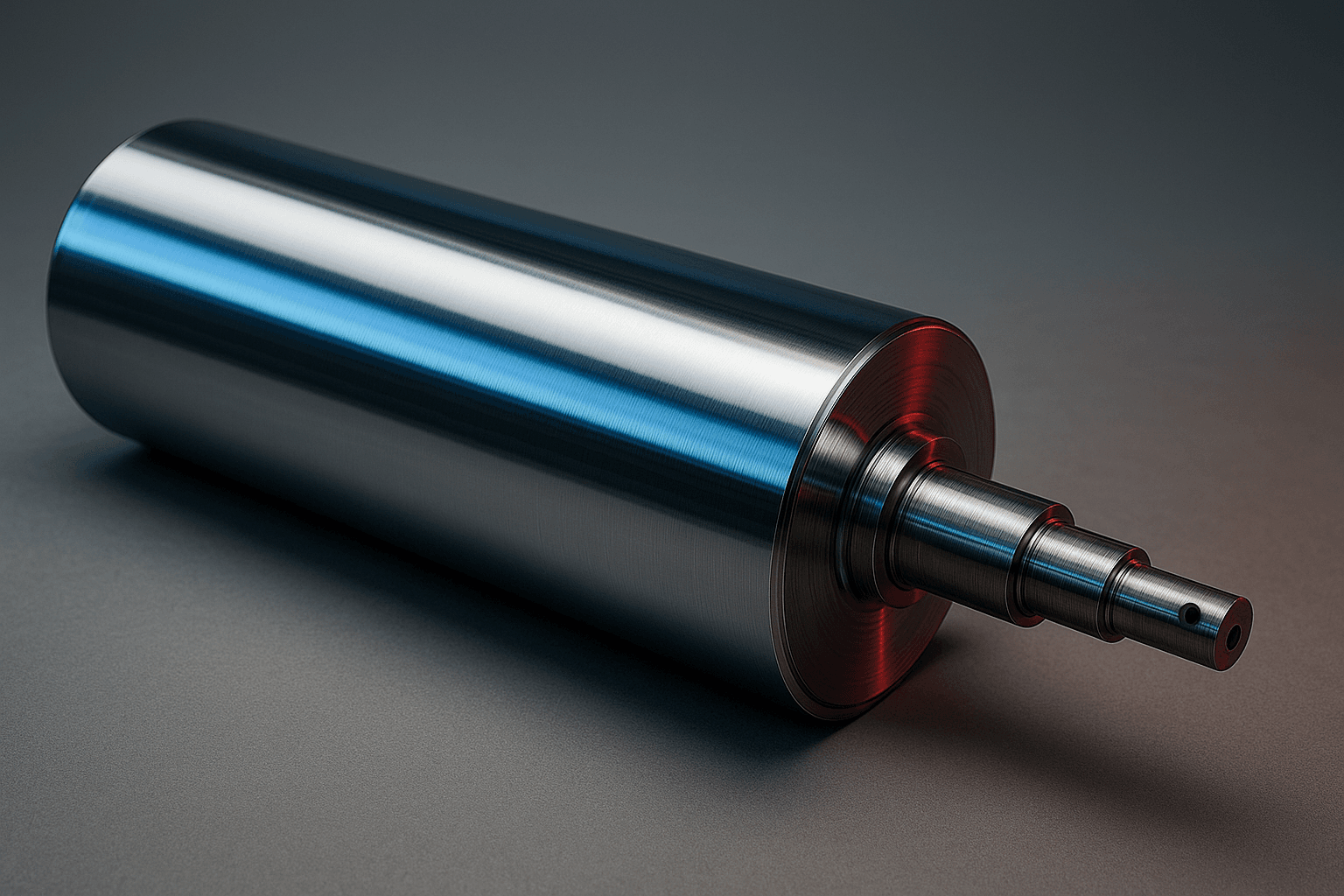
Heidelberg SOR: Roller Specification Sheet Checklist
Navigating the Heidelberg SOR Roller Specification Sheet
Managing press maintenance requires meticulous documentation across every inking and dampening position. A dedicated Heidelberg SOR roller specification sheet serves as a critical reference tool, allowing press operators, maintenance teams, and procurement specialists to confirm mechanical fit, verify roller positions, and prevent costly installation errors. By standardizing the way specifications are documented and checked, production facilities can maintain stable ink transfer and dampen control across extensive operational runs.
Key Takeaways for Managing Roller Data Sheets
- Accurate tracking relies on capturing serial or item references alongside explicit press positions.
- Systematic separation between inking unit and conventional dampening unit positions avoids cross-installation errors.
- Standard field verification includes roller diameter, rubber length, and total shaft length.
- Color coding provides visual confirmation to cross-reference functional roles such as form, transfer, and ductor positions.
- Material selection must be matched to operational demands, spanning polyurethane, nitrile, ebonite, and metal finishes.
Understanding the Roller Specification Sheet Framework
A roller data sheet is a structured technical document detailing the physical geometry, position identifiers, and material properties for each roller installed in a printing press. Within the context of the Heidelberg SOR press architecture, this document correlates mechanical specifications with press functions across the inking system and conventional water form dampening system.
Rather than relying on informal notes, a formalized specification sheet establishes traceability between manufacturer item codes, internal inventory descriptions, and physical locations on the press frame.
Core Fields of a Heidelberg SOR Roller Specification Sheet
A comprehensive data sheet captures precise categorical fields to ensure full mechanical interchangeability. In the Heidelberg SOR system, these fields are organized logically across unit operations and visual tracking conventions.
| Field Name | Functional Scope | Press Section Context |
|---|---|---|
| Roller Description | Identifies functional role such as form, transfer, or ductor roller | Inking Unit / Dampening Unit |
| Color Coding | Visual designation (e.g., White, Blue, Red, Yellow, Green) for quick identification | Inking Unit / Dampening Unit |
| Roller Diameter | Outer diameter measurement of the rubber covering | Cross-system dimensional check |
| Rubber Length | Face length of the elastomeric or polymer coating | Print width coverage |
| Total Length | Overall shaft length from journal end to journal end | Bearing and frame seating fit |
| Item Code | Traceable manufacturer part or order reference number | Procurement and replacement tracking |
In addition to standard positions, specification sheets accommodate supplementary components such as numbering rollers and bareback rollers depending on job requirements.
Material and Position Selection Criteria
When auditing or requesting replacements via a data sheet, production teams must account for both mechanical geometry and material suitability across operational demands.
- Functional System: Distinguishing between inking rollers (form, transfer, ductor) and dampening rollers (conventional water form, ductor).
- Elastomeric and Core Materials: Selecting suitable coverings such as NBR, polyurethane (PU), foam, or ebonite based on chemical compatibility and wear requirements.
- Rigid Rollers and Finishes: Incorporating stainless steel or chrome finishes where rigid transport or metering dynamics are specified.
- Surface Precision: Ground surface quality to minimize vibration and maintain tone consistency across extended print cycles.
- Application Breadth: Verifying if roller construction is optimized for standard sheetfed offset or repurposed industrial machinery applications such as laminating or embossing.
Step-by-Step Roller Audit and Specification Workflow
- Identify Machine Model and Unit: Confirm the press model and determine whether the roller belongs to the inking unit or conventional dampening unit.
- Determine Operational Position: Log the roller description, identifying whether it operates as a form roller, transfer roller, or ductor roller.
- Inspect Visual Identification: Check the established color coding to match existing position schematics.
- Record Physical Geometry: Measure the outer roller diameter, elastomeric rubber face length, and total shaft length without relying on assumptions.
- Verify Part Traceability: Cross-reference the item code against the roller specification sheet and supplier documentation prior to installation or ordering.
Common Data Sheet Discrepancies and Troubleshooting
Inaccurate documentation often manifests as mechanical mismatch or print quality instability. Resolving these issues requires checking recorded values against the physical press assembly.
| Observed Issue | Probable Cause | Verification Check | Corrective Action |
|---|---|---|---|
| Roller fails to seat in bearings | Total length mismatch or incorrect journal fit | Measure overall shaft length end-to-end | Re-verify item code against model specification sheet |
| Uneven ink coverage or streaking | Incorrect outer diameter or surface vibration | Inspect diameter profile and surface grind quality | Confirm diameter matches designated color-coded position |
| Premature covering degradation | Incompatible material selection | Evaluate chemical resistance of PU, NBR, or ebonite | Update specification sheet with appropriate compound |
| Dampening instability | Confusion between inking and dampening ductor positions | Verify color coding and designated unit section | Re-assign roller according to dampening unit specifications |
Frequently Asked Questions
Why do different inking rollers on the Heidelberg SOR use distinct color coding? Color coding provides press operators with an immediate visual cross-reference to align specific diameters and functional positions—such as individual form rollers or transfer rollers—with their corresponding locations in the press train.
What key dimensional fields are required on a roller specification sheet? Every entry should at minimum capture the outer roller diameter, rubber face length, and total shaft length, alongside the unit description and item code.
Are alternative roller configurations available for specialized press runs? Yes, options such as numbering rollers and bareback dampening rollers can be incorporated into technical sheets depending on press configuration.
Approved Reference Documentation
The framework, position categories, color coding conventions, and measurement fields described in this guide are derived directly from approved manufacturer reference documentation:
- Cooper Rollers Product Reference: Heidelberg SOR (Source UID: aba76896-19bc-4478-8a77-846997476f16).
Related Reading
For additional technical guidance on press maintenance and roll handling, consider the following resources:
- Heidelberg Press Maintenance and Roller Alignment Best Practices
- Understanding Elastomer Selection: Polyurethane vs. Nitrile Rubber in Offset Printing
- Comprehensive Measurement Guide for Industrial Shaft and Core Refurbishment